 Stashwise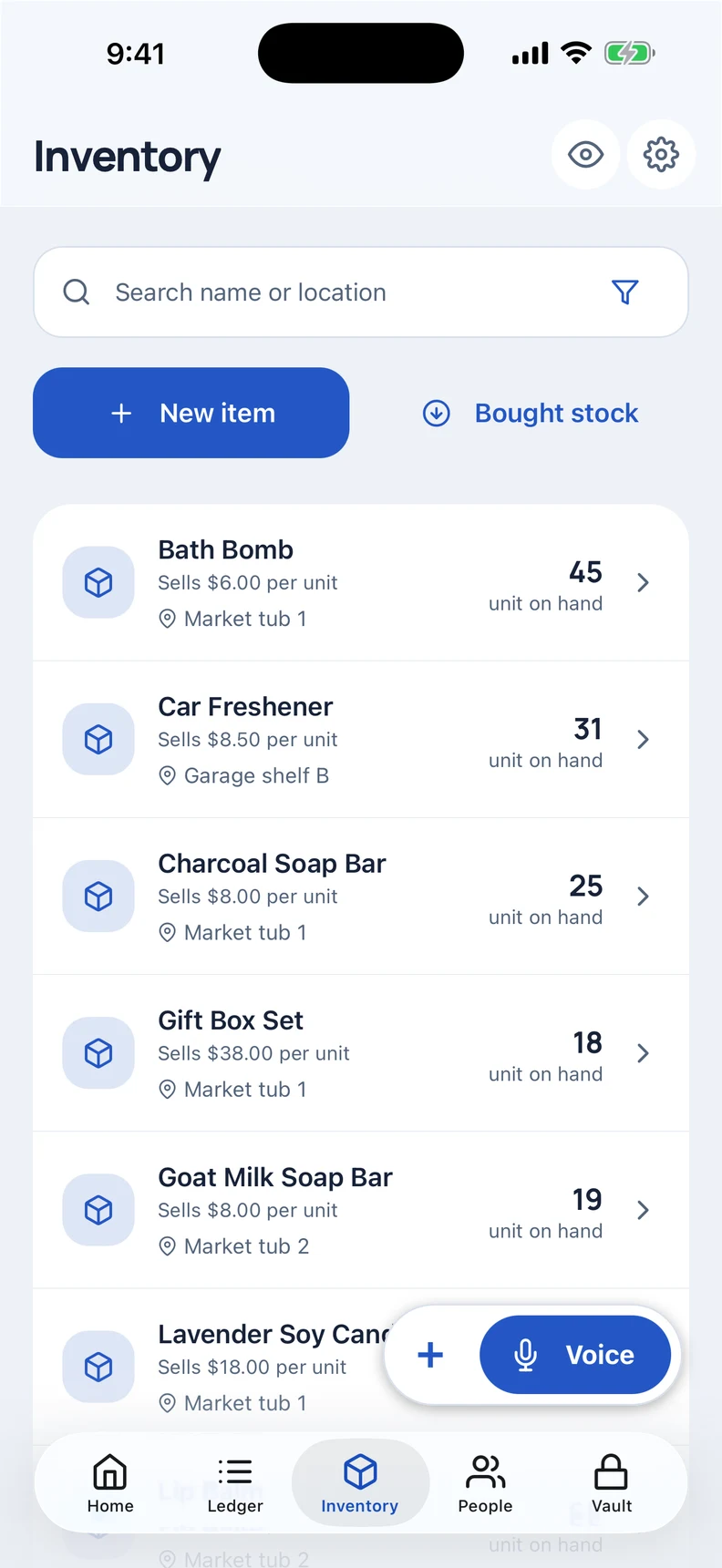
Record stock when it comes in
Create items with names you recognise and record stock purchases as they happen. Keeping purchase details with your books gives you a clearer starting point when you later review a sale.
For example, when you buy a small batch of tools, enter the stock before you start selling pieces from it. Record each sale against the relevant item rather than keeping a separate note you need to interpret later.
Find what is still available
Use the Inventory tab to review items and quantities. Search stock by location and review quantities when deciding what needs attention. Check the physical item as well before promising it to a buyer.
Separate a sale from the payment
A buyer taking an item does not always mean the money has arrived. Record what they owe, then add the payment when they settle up. The People tab keeps customer balances easy to find.
Review the business from your phone
Record related expenses and review monthly stats to see your trading activity in one place. Your ledger stays on your device in an encrypted database, with no account to create.
Stashwise helps you record your own trading. The workflow here is manual recording in the app; it does not depend on connecting an online marketplace account.
Can I use it while collecting stock?
Yes. Core stock, sales and payment records work offline. Optional server-assisted voice and cloud backups need a connection. Stashwise supports iOS and Android; the beta signup is the current route to ask about testing access.